Features
Six things Pearsight does well,
so you don’t have to.
Each one started as a missing piece in Canvas. Together they're the parent dashboard that lets your family actually run the school year.
No card · Cancel anytime · 30 days free
The whole product
Everything that ships, in one place.
Family
Multi-kid families
One dashboard, every kid. Stack siblings into a single view, filter by kid, or drill into one student at a time. Per-kid nicknames keep things personal without exposing real names.
Canvas
Canvas integration
Connect once with a Canvas access token. Pearsight refreshes every few minutes via cron — no manual sync, no missed updates. Tokens auto-refresh on a 120-day cycle.
Workflow
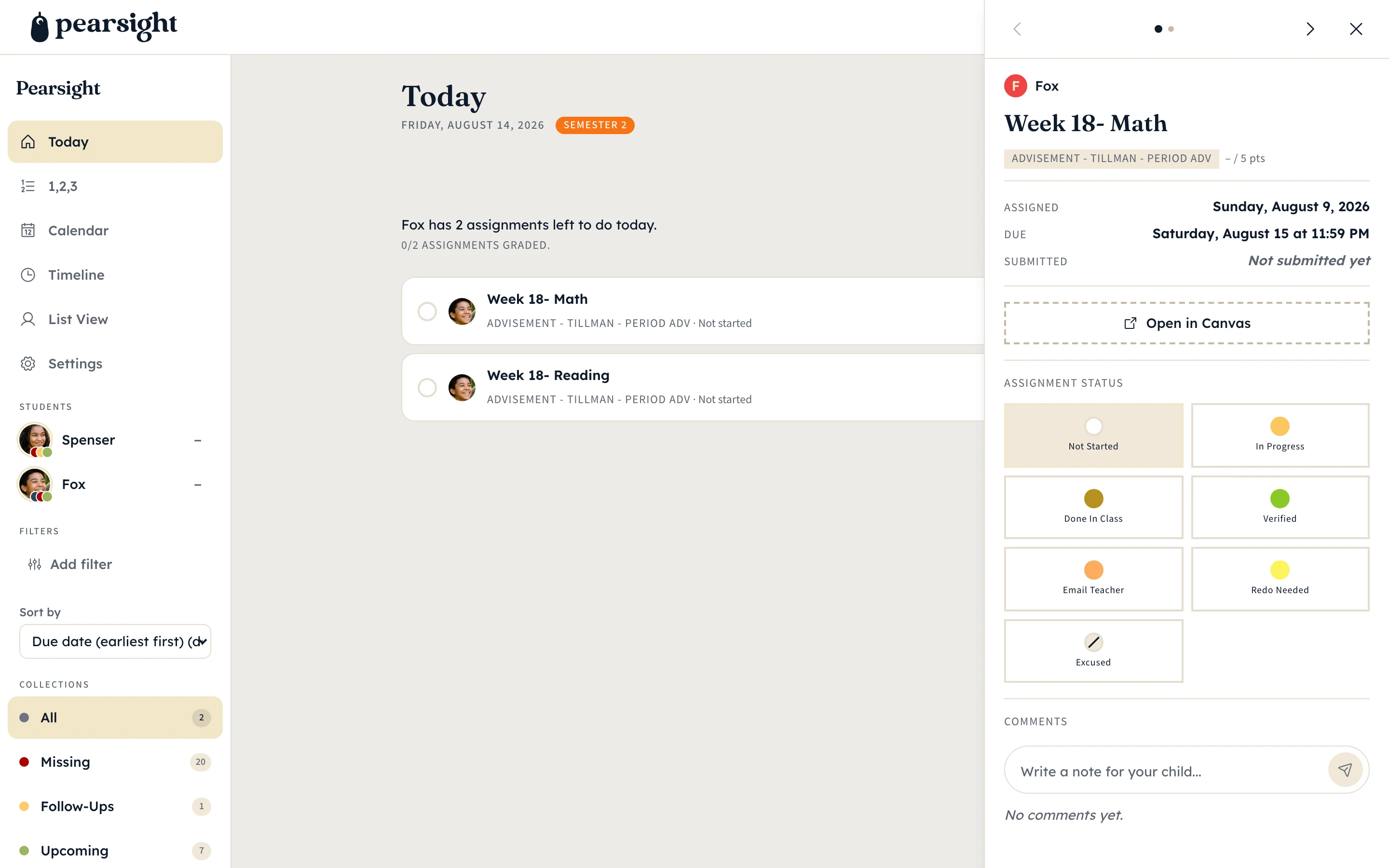
Six-state status workflow
Beyond a checkmark. Not Started, In Progress, Done in Class, Verified, Email Teacher, and Redo Needed — built for the messy middle between assigned and graded.
Student view
On the device they already use for homework.
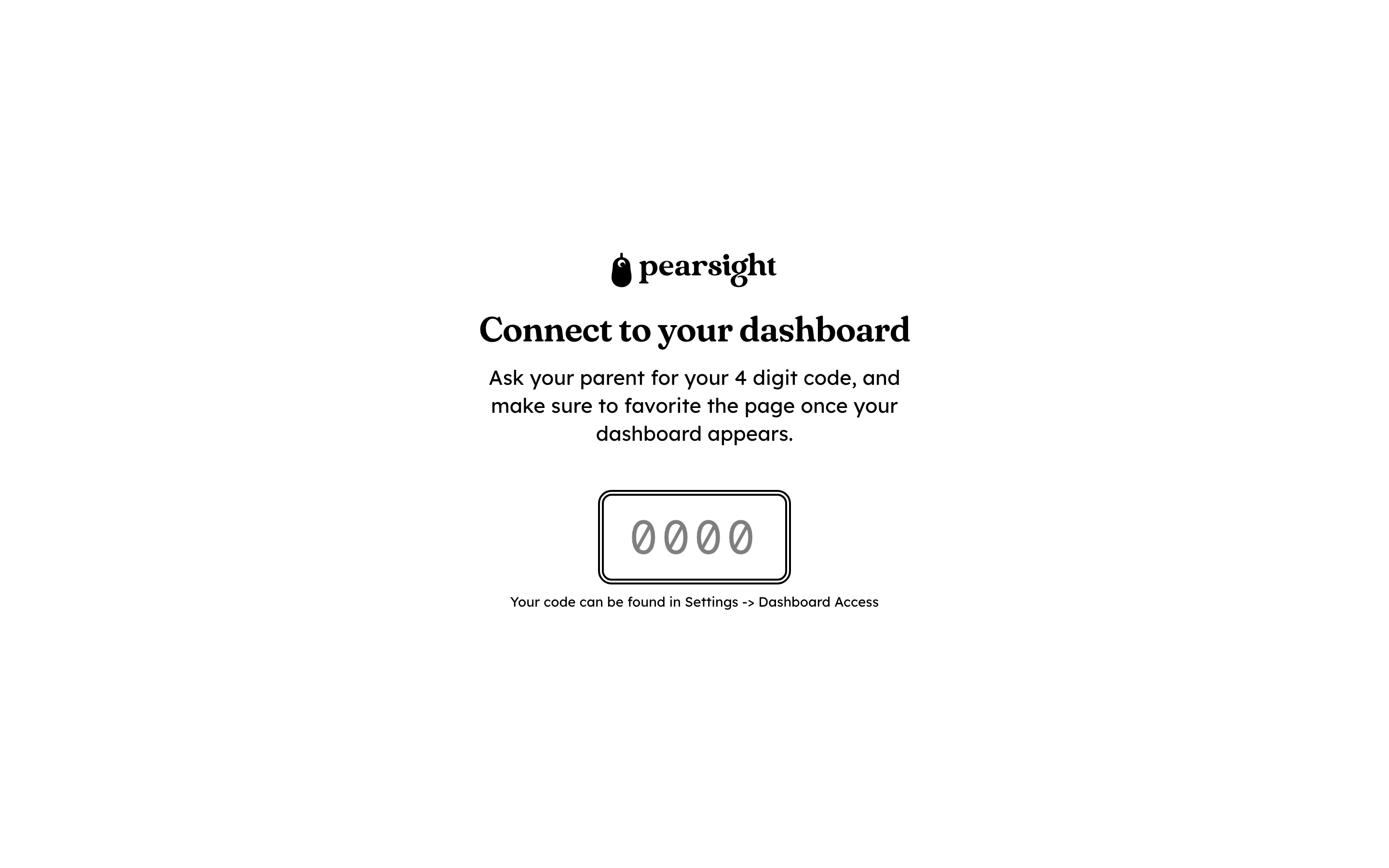
Your student gets their own calm view on whatever device they already do school on — laptop, Chromebook, tablet, phone. Pair via QR code or a four-digit short code — no app store, no separate password to manage.
Caregivers
Co-parents and grandparents welcome
Invite a co-parent, grandparent, tutor, or anyone you trust with a single magic link. They get the same dashboard you do — no extra seats, no separate accounts.
Calendar
Term-aware grading
Quarters, semesters, trimesters, summer school. Pearsight handles the whole school-year arc — set up terms once and the calendar follows automatically.
Six states, one tap each
A workflow that matches how homework actually happens.
Most apps give you “done” and “not done.” Real life has a few more states than that — and Pearsight has all of them on a single tap-through pill: Not Started, In Progress, Done in Class, Verified, Email Teacher, Redo Needed.
The color of the pill mirrors the same status palette across the parent dashboard, the calendar, the timeline, and the student app. One language for the same idea everywhere.
On their device, not yours
A view they’ll actually open. Without an app store.
Your student opens Pearsight on whatever they already use for school — laptop, Chromebook, tablet, phone. Pair the device with a QR code or a four-digit short code, and they’re in under a minute. No App Store download, no Apple ID password, no long-press install.
Each paired device runs in a pared-down student view: their assignments, their tap-to-done, their comment thread back to you. Everything else stays on the parent side, where it belongs.