For Parents
Canvas was built for teachers.
Pearsight is built for you.
Every class, every deadline. Every assignment tracked, accounted for, acknowledged, and verified. Pearsight pulls every Canvas assignment into the dashboard Canvas never gave you—and the only one your family will need.
No card · Cancel anytime · 30 days free
No more I forgots
“Do your homework” is never that simple.
It’s tough when kids hit a wall—they don’t know what to do next, or how to do the assignment. It’s especially hard when they’re doing homework and you’re doing parent stuff: working, cooking dinner, taking other kids to their extracurriculars, or running errands.
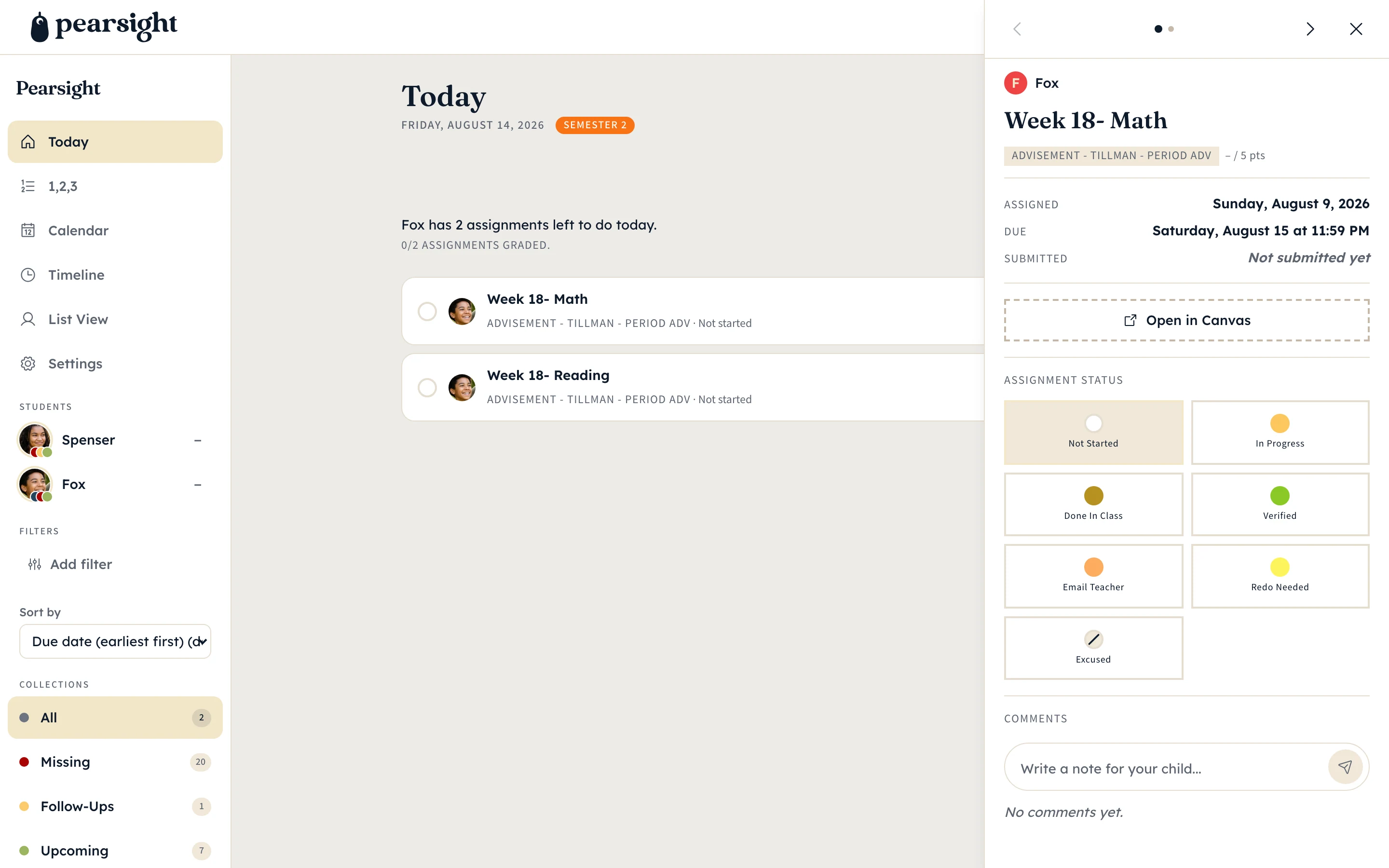
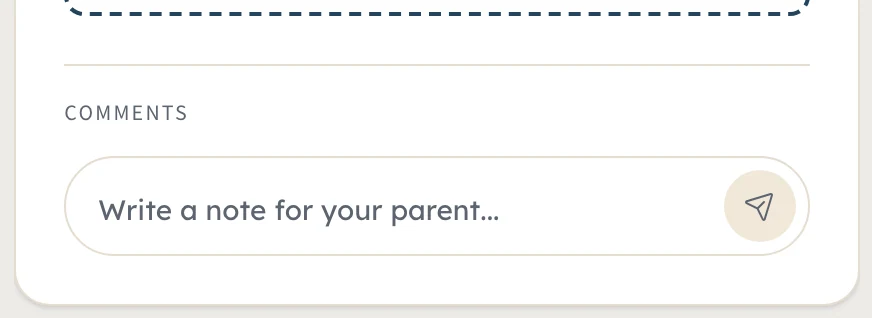
With Pearsight, when your child hits a roadblock, they can leave a quick note attached to that assignment. It shows up on your dashboard, and you can help guide them—from anywhere.
No more homework calls while you’re working, no more kids forgetting to mention what they needed help with until you’re home, and no more “what do I need for the project that’s due tomorrow?” right before bed.
Conversations stay anchored to their homework, in the place where it belongs.
Status workflow
Built for real life, not just a checkmark.
Pearsight lets you be as involved as you want—so you can help the overachiever, assist your ADHD’er, or prop up a struggling student who’s fallen behind. Tag an assignment and you’ll be able to keep an eye on them.
- Not started
Homework has been assigned, but they haven't done it.
- Done in class
Your student said this was done in school.
- In progress
They're working on it, but it's not finished.
- Verified
You checked the work on Canvas yourself.
- Redo needed
An assignment came back lower than expected. Maybe they should ask the teacher for a make-up.
- Email teacher
Maybe they need help, an assignment is confusing, or something's up—a one-tap reminder to follow up.
The conversation, not the surveillance
Talk through the work, not over their shoulder.
Every assignment falls into a bucket—verified and completed, missing, needs follow-up, or upcoming. You’ll never miss a project, and you’ll never have to guess how many assignments are actually finished. There’s a comments thread too, so your student can tell you what’s going on—right there, in the place where it matters.
Pearsight doesn’t buzz you every time a grade updates. There’s no push-notification anxiety, no badge counts piling up. You open the dashboard when you have time, address what’s going on, and help your child succeed. Easy.