For StudentsParent LoginPricing

For Students

Built for the student
in your house.

Pearsight gives middle and high schoolers their own simple view of what's due, what's done, and what to ask about — so they can run their own homework and you don't have to ask every night.

Set up your family

See what's due tonight

A dashboard that knows what's actually happening.

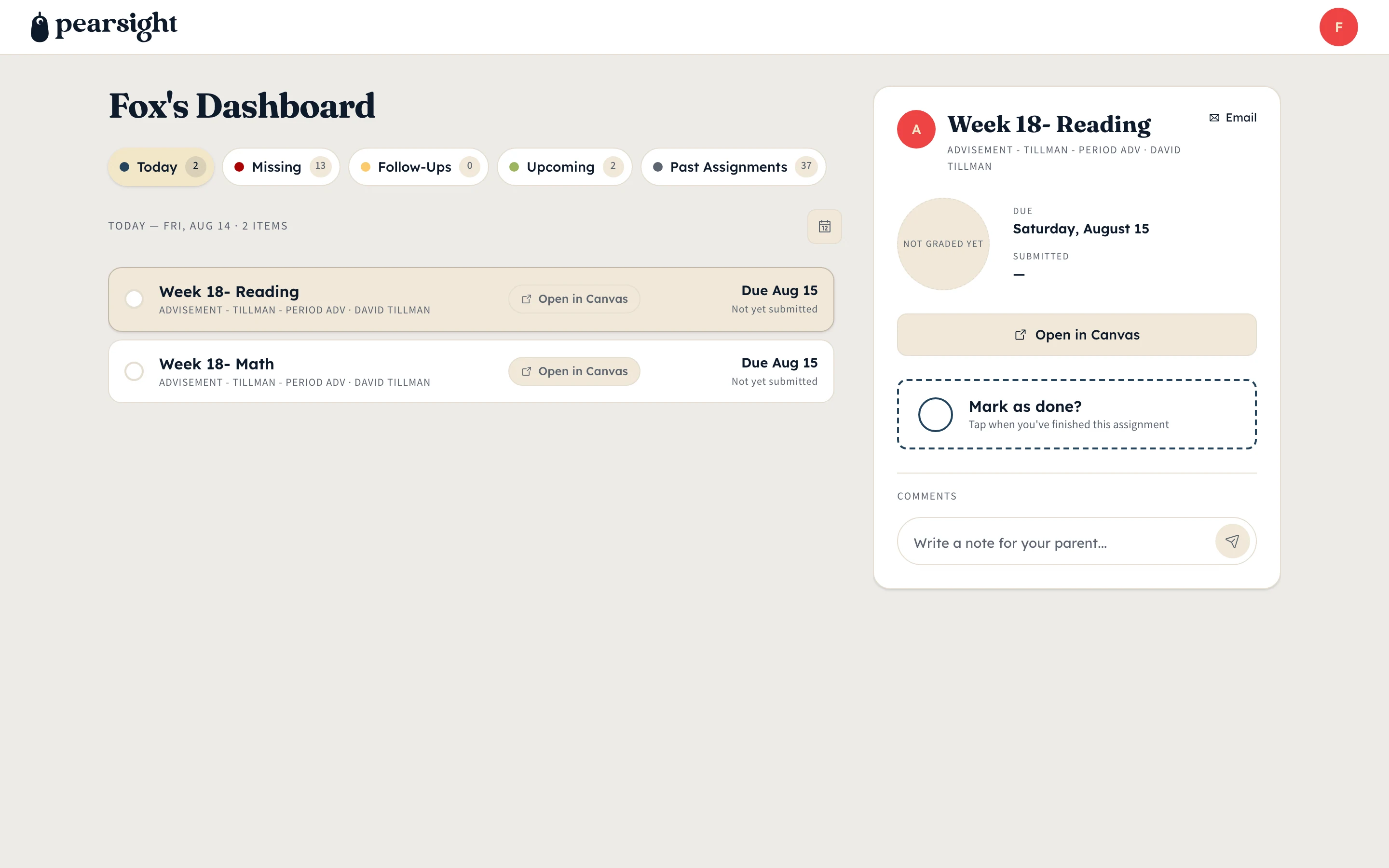
Your student opens Pearsight and sees their day sorted into Today, Missing, and Upcoming — pulled straight from Canvas. They can tap any assignment to read the prompt and jump into Canvas if they need to.

The nightly question “did you have homework today?” stops being your job.

Pearsight kid dashboard split-pane view with the assignment list on the left and the action panel open on the right showing the selected assignment's details, comments thread, and mark-as-done area.
What your kid sees: their list and one assignment open at a time.

Less yelling down the hall

Talk about a single assignment, in the right place.

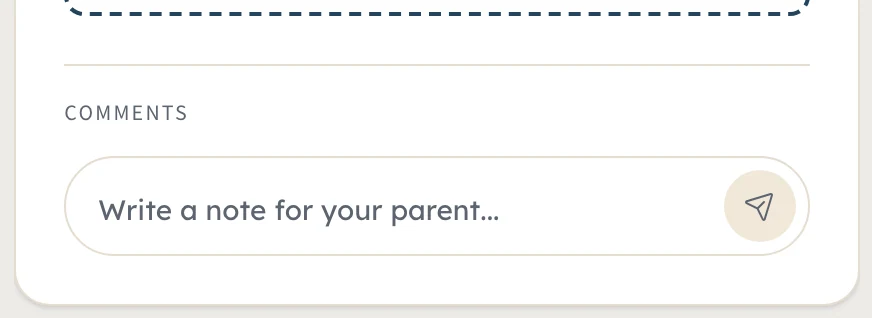
When your student hits a wall on something specific, they can leave a quick note attached to that assignment. It shows up on your dashboard. You answer right there.

The conversation stays anchored to the work it’s actually about — and it doesn’t pull anyone away from dinner.

Pearsight kid-side comments thread zoomed in on a single assignment, showing iMessage-style bubbles between a child and their parent anchored to the homework item they were talking about.
The conversation stays on the assignment it's about.

Assignment done? Tap it

One tap closes the loop.

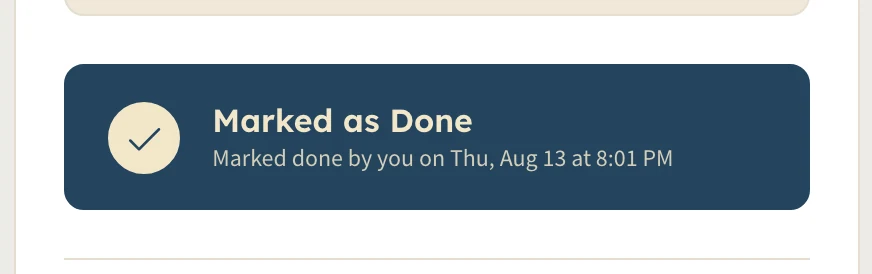
When your student marks an assignment done in Pearsight, that’s your green light to check the work — or take them at their word. (A teenager has never once over-reported on a worksheet, of course.)

Once Canvas catches up and the grade posts, the dashboard updates on its own.

Pearsight kid-side mark-as-done area zoomed in after the student tapped it, showing the orange-filled circle with a cream checkmark indicating they've reported the assignment finished for the night.
One tap and your student tells you it's done.
“
Same Canvas data, laid out for the kid who’s actually doing the homework.
Byran Newell
Founder, Pearsight

Built with their independence in mind.

Pearsight gives your teen a calm place to manage their own school day. You set it up once — about five minutes — then they take it from there.
Set up your family
Pearsight

The education app that keeps you and your kids on track.

Product

  • Features
  • Pricing
  • How it works
  • For parents
  • For students

Why

  • Why Pearsight
  • Why Canvas is hard
  • ADHD & school
  • Parent playbook

About

  • Connecting Canvas
  • Parent dashboard
  • Kid dashboard
  • Multiple kids

Company

  • About us
  • Security
  • Privacy
  • Terms
© 2026 Pearsight · hello@pearsight.com

Pearsight is purchased by parents on behalf of their K-12 children. The paying parent (18+) creates the family account, which constitutes verifiable parental consent under COPPA for any child under 13 the parent enrolls. Kids do not sign up directly — their access is parent-paired only. See Privacy and Security for our full data-handling stance, including FERPA-aligned controls.

Canvas is a registered trademark of Instructure, Inc. Pearsight is not affiliated with, endorsed by, or sponsored by Instructure.

Pearsight is wholly owned by Byran Newell, a sole proprietor.