How it works · Status workflow
Six states. One tap each. The honest middle between “assigned” and “graded.”
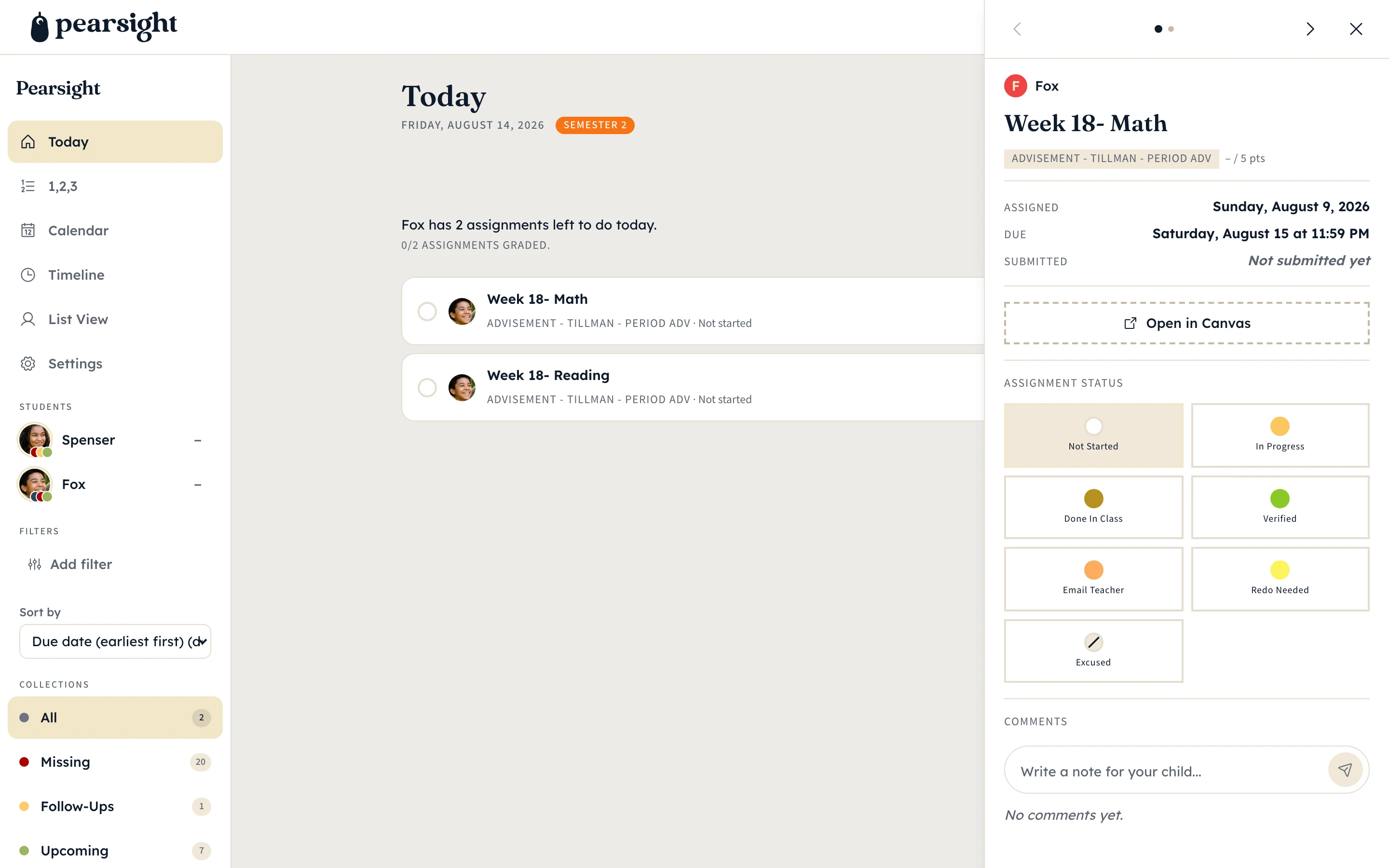
Most homework apps offer “done” and “not done.” Real life has more. Pearsight gives you six states that match how the school week actually moves — and a tap-through pill on every assignment to move along the workflow.
The pill
One tap. Six destinations.
Every assignment row has a status pill on the right. Tap it and a popover shows the six states. Pick one; the dashboard saves instantly. No menu dives. No confirmation modal.
The pill color mirrors the same status palette everywhere — on the parent dashboard, in the calendar, on the timeline, and in the paired student view. One color language for the same idea.
The six states
What each one means.
Not Started
On the dashboard, not yet touched. The neutral default.
Auto-set when Canvas announces a new assignment.
In Progress
Started but not finished. The yellow active ring.
Either of you — tap when work has begun.
Done in Class
Finished at school; nobody needs to bring it up tonight.
The student, usually from a paired classroom device.
Verified
You've looked at the finished work; it's good to go.
The parent, after a check-in.
Email Teacher
Something needs a teacher conversation — missing grade, confusing prompt.
Parent or student. Surfaces in Follow-Ups.
Redo Needed
Came back lower than expected; flag for another pass.
Parent, usually after a grade posts.
Follow-Ups collection
Email Teacher and Redo Needed land in one place.
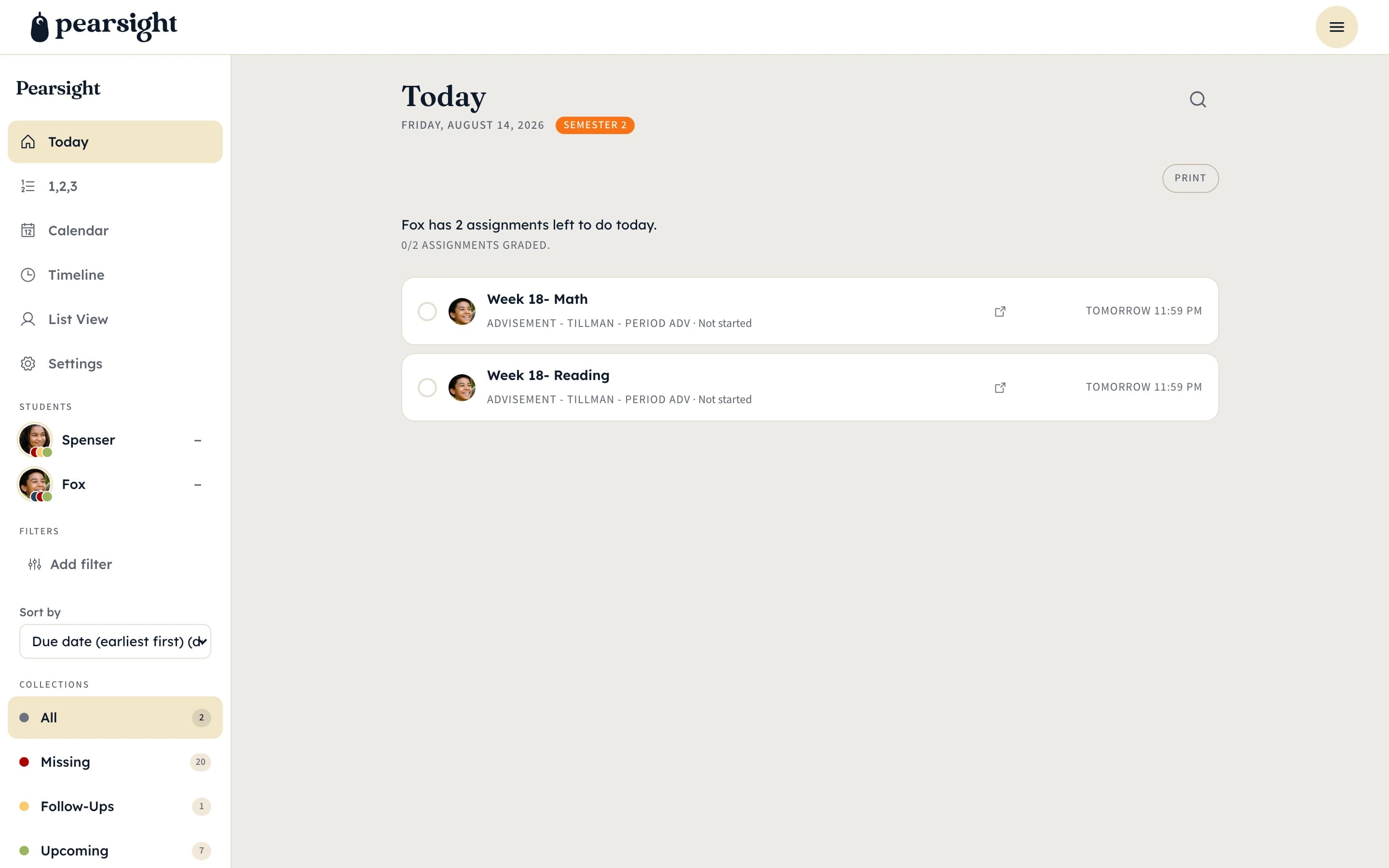
The Follow-Ups collection on the dashboard pulls every assignment currently flagged Email Teacher or Redo Needed. That’s the Sunday-night list — the work you’re still chasing.
When the teacher answers or the redo lands, change the status and the assignment leaves Follow-Ups automatically. Nothing gets stuck unless you want it to.
More: the parent dashboard · all features · back to overview