How it works · Multi-kid families
One household. Every student. One dashboard.
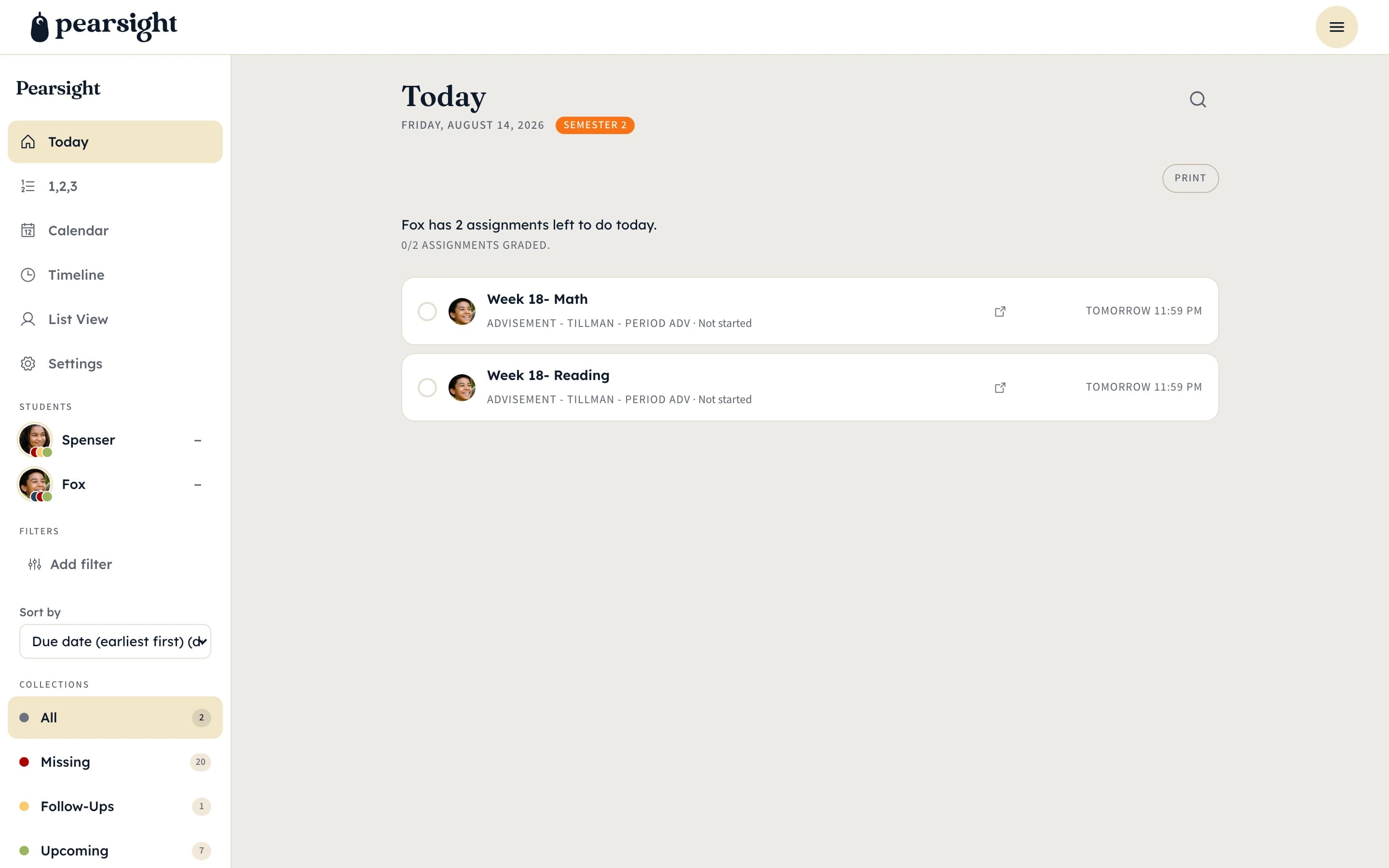
Pearsight is built for families with more than one kid in school at the same time. Stack siblings into a single dashboard, filter to one kid for a focused conversation, then zoom back out.
Adding kids
One Canvas account each, one parent dashboard.
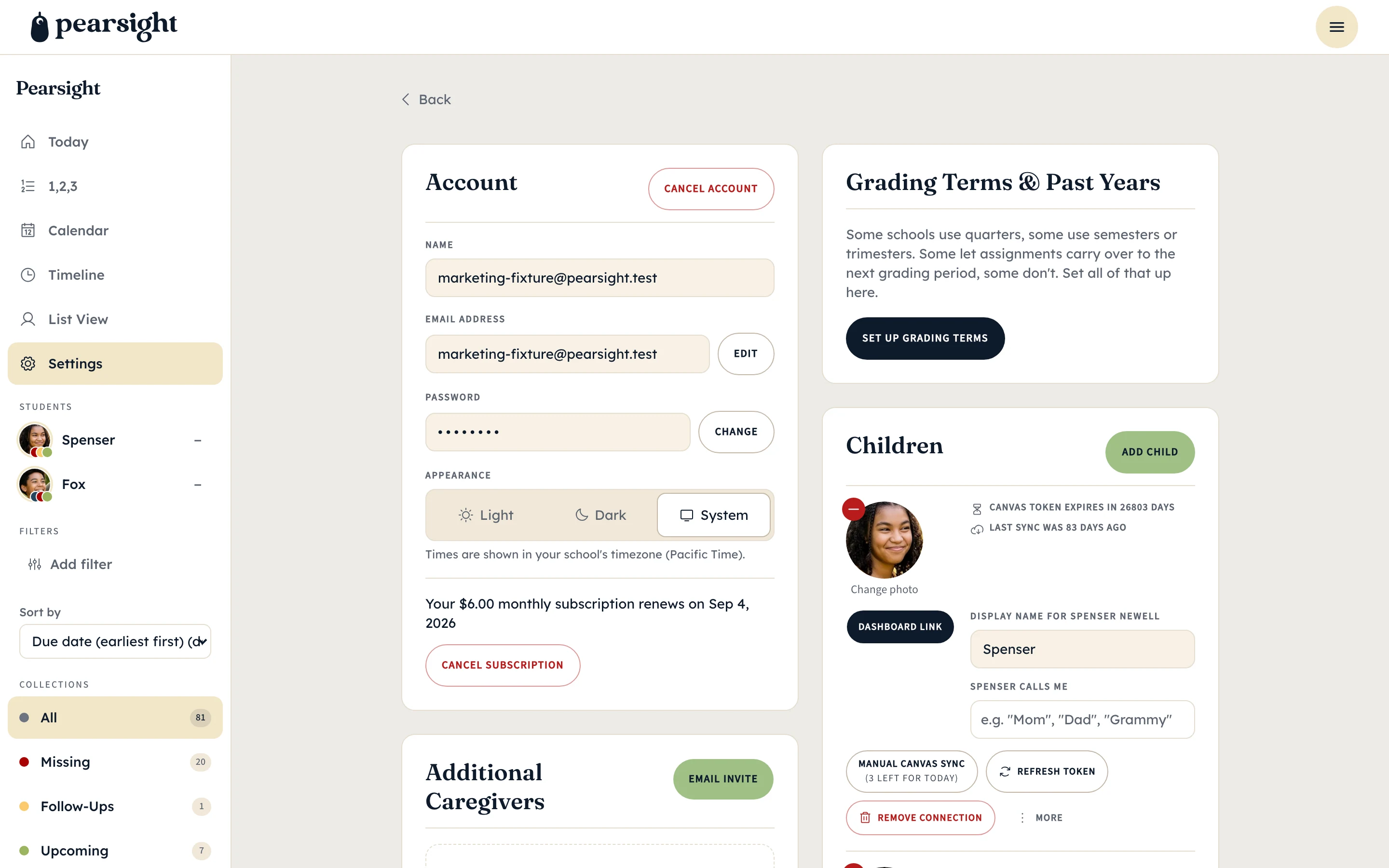
Each kid you add brings their own Canvas access token. The dashboard then has them stacked alongside each other — Henry in 8th, Maeve in 5th, Theo in 2nd — with their assignments flowing into the same Today, Missing, Follow-Ups, and Upcoming collections.
Add kids one at a time as schools onboard, or all at once during setup. There’s no plan tier per kid; the family dashboard scales with you.
Per-kid nicknames
What the dashboard calls them.
Pearsight asks for a nickname per kid — your choice, doesn’t need to be a legal name. The dashboard uses the nickname everywhere: column headers, comment threads, filter chips, the student-side view their paired device sees.
The original Canvas student name stays in the database to keep assignment data aligned, but it never appears in the UI. This is intentional — outward-facing copy stays personal but not over-exposed.
Caregivers
Co-parents, grandparents, tutors — one link.
Send a magic-link invite from your settings and a co-parent, step-parent, grandparent, or tutor joins the family dashboard with the same visibility you have. They don’t need their own Canvas connection — they read the same data your token already pulled.
Per-caregiver visibility scoping is a roadmap item — for now, caregivers see everything you see. Remove a caregiver at any time and the database forgets them on the next read.